
News Blog
Who Gets to Press the Button? Secure Lift Access with Password, Fingerprint and RFID Modules
Think About the last time you stepped into a lift in an office, a hospital or a new apartment tower. You pressed a floor button and the lift simply took you there. Nobody asked who you were.
For most buildings that is fine. But in a growing number of places it is not. A residential tower wants only residents to reach the terrace. An office wants visitors to stay out of the server floor. A hotel wants guests to reach only their own floor. A hospital wants the pharmacy level kept restricted.
This is where lift access control comes in, and it is one of the simplest ways to make a building feel safer without changing how people move through it.
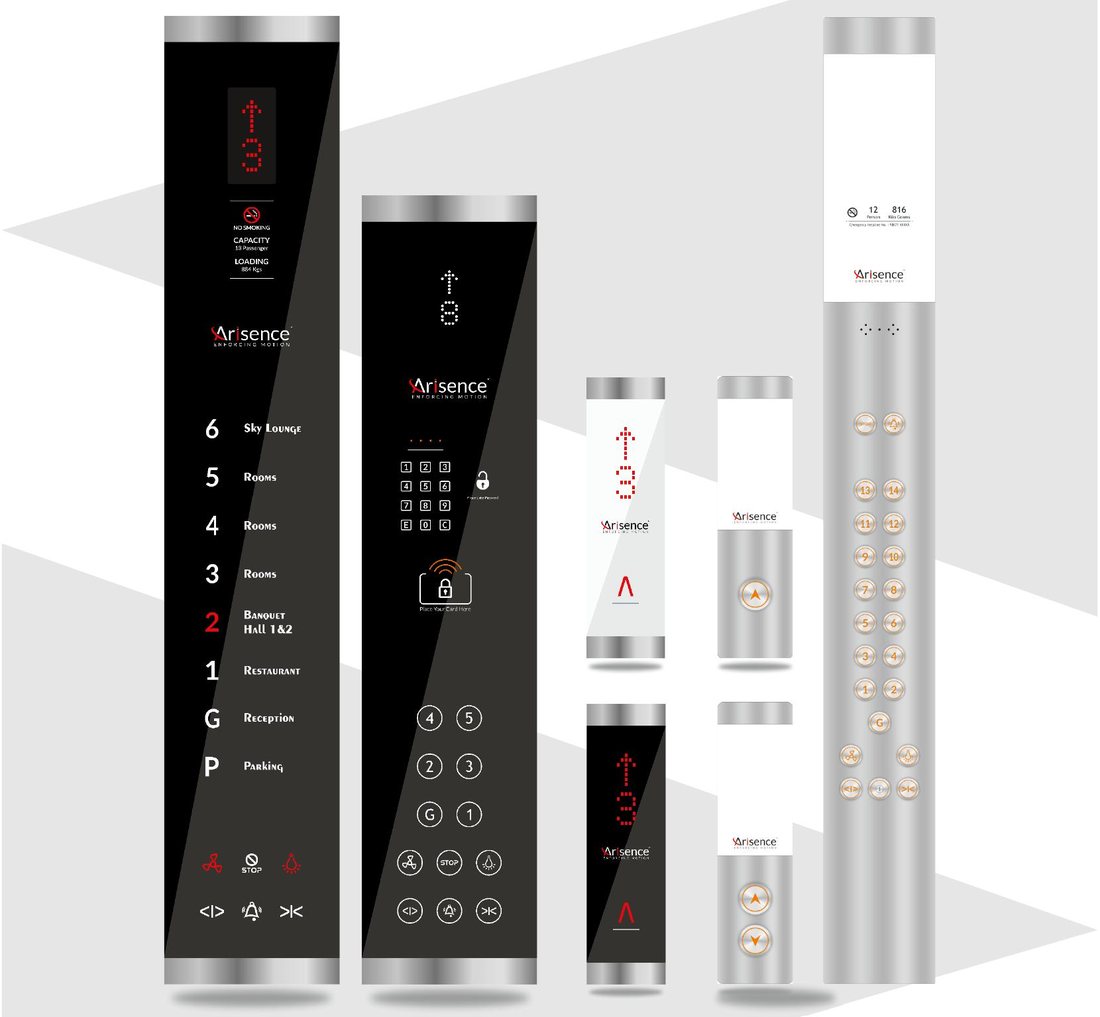
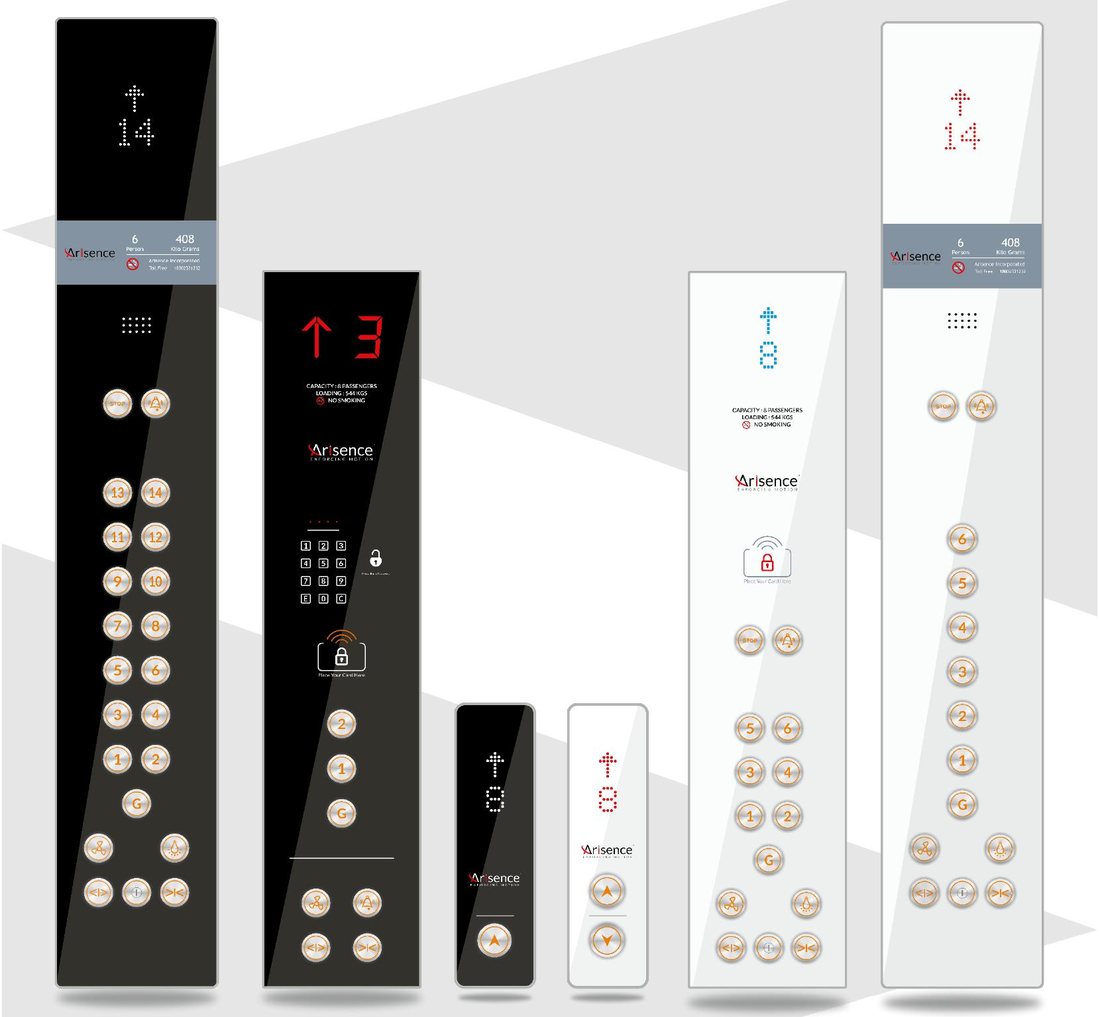
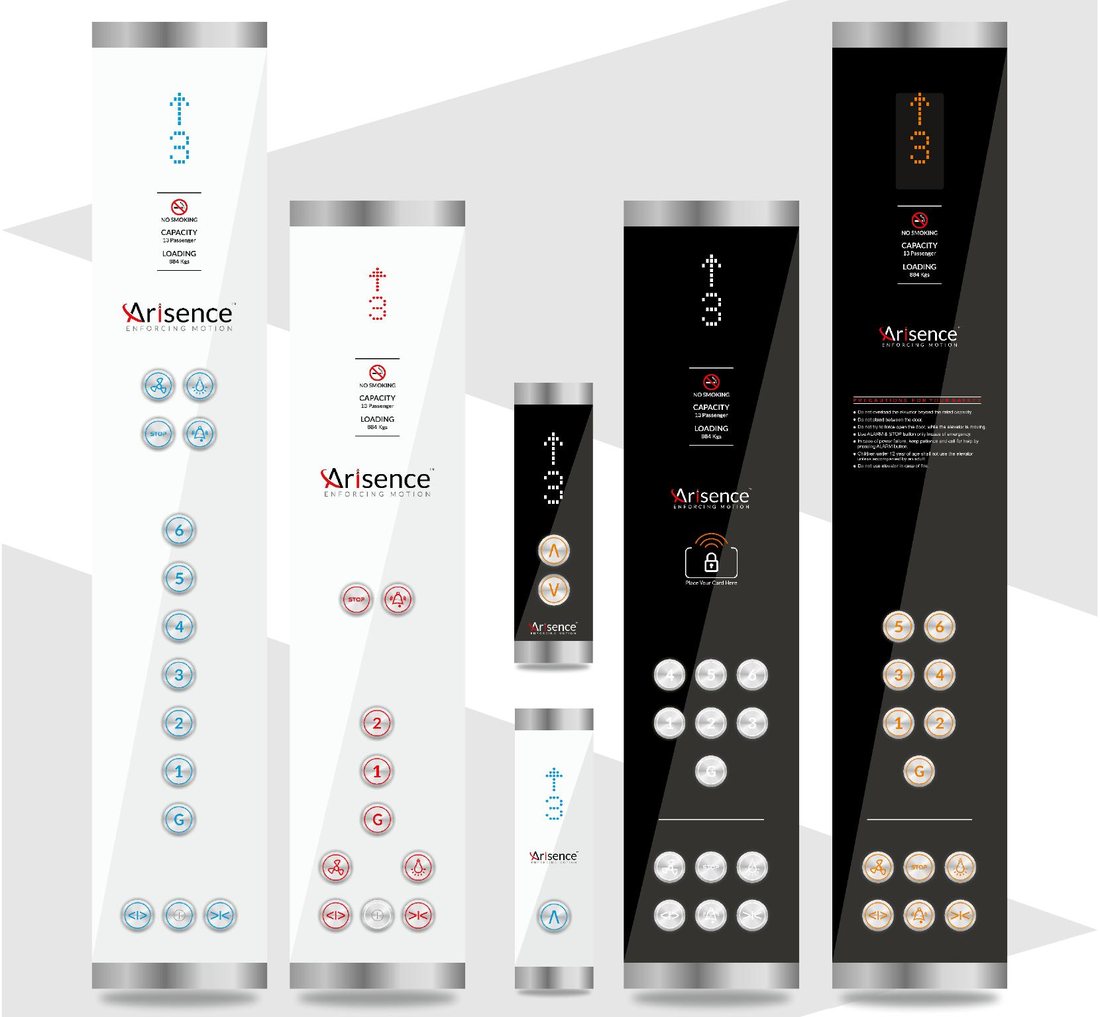
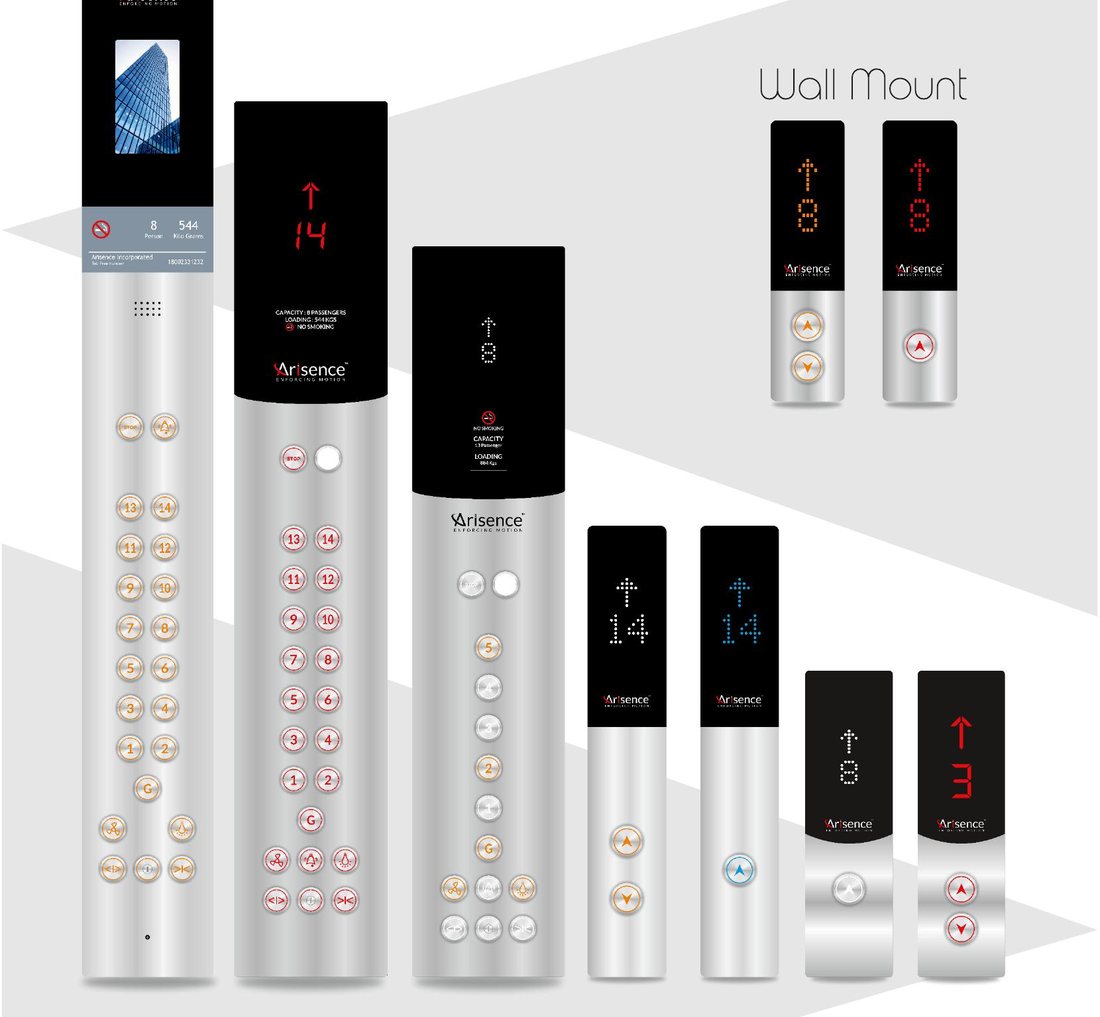
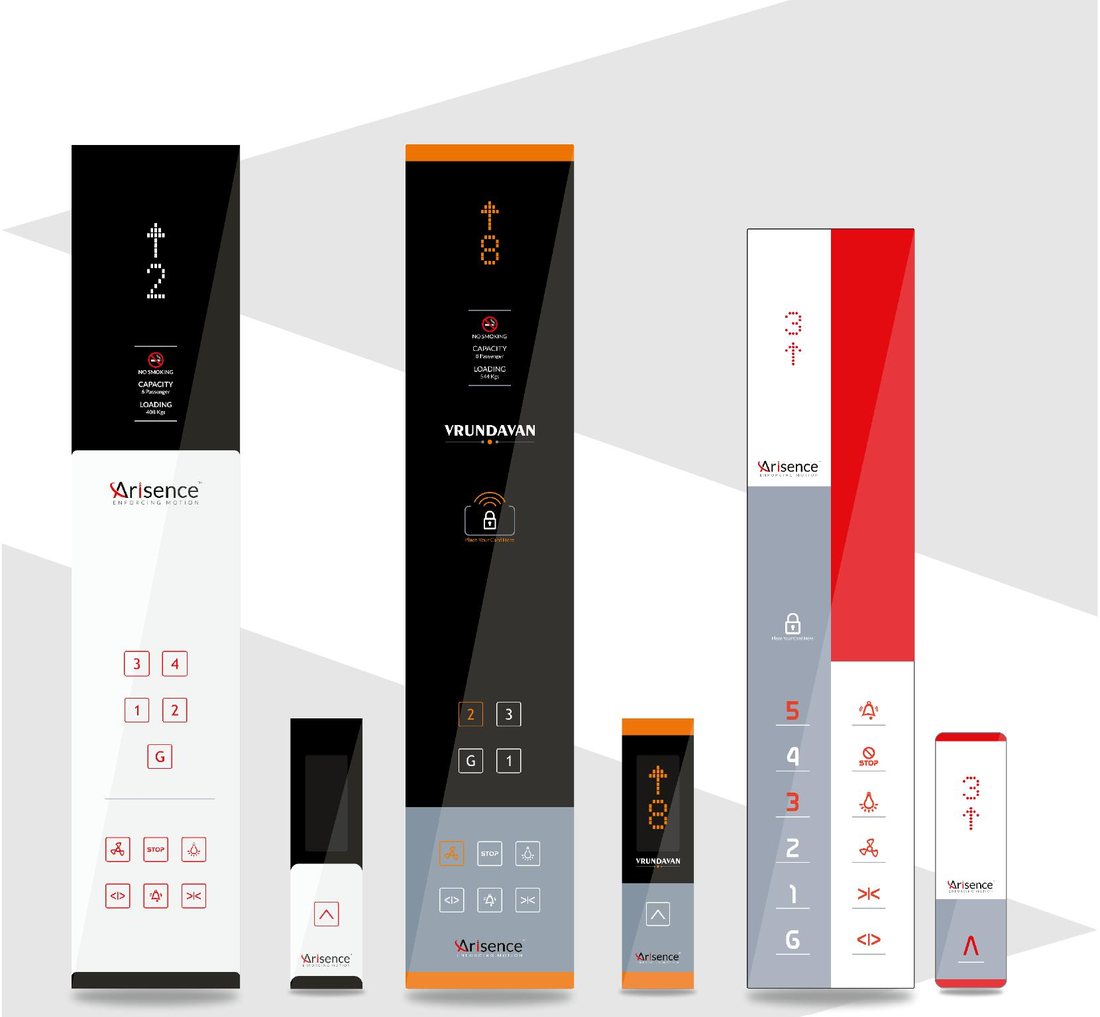
At Arisence we design and build elevator COP (car operating panel) and LOP (landing operating panel) Products in Rajkot, and we also make access modules that sit on top of them. In this article we explain two of them in plain words: the Password + Finger module and the RFID module, and how to pick the right one.
What is lift access control?
In simple terms, it is a small unit fitted into the elevator panel that checks “is this person allowed?” before a floor call is accepted. Depending on the unit, the check can be a code typed on a keypad, a fingerprint, or a card held near the panel.
If the person is allowed, the lift works as usual. If not, the floor button does nothing.
The Password + Finger module
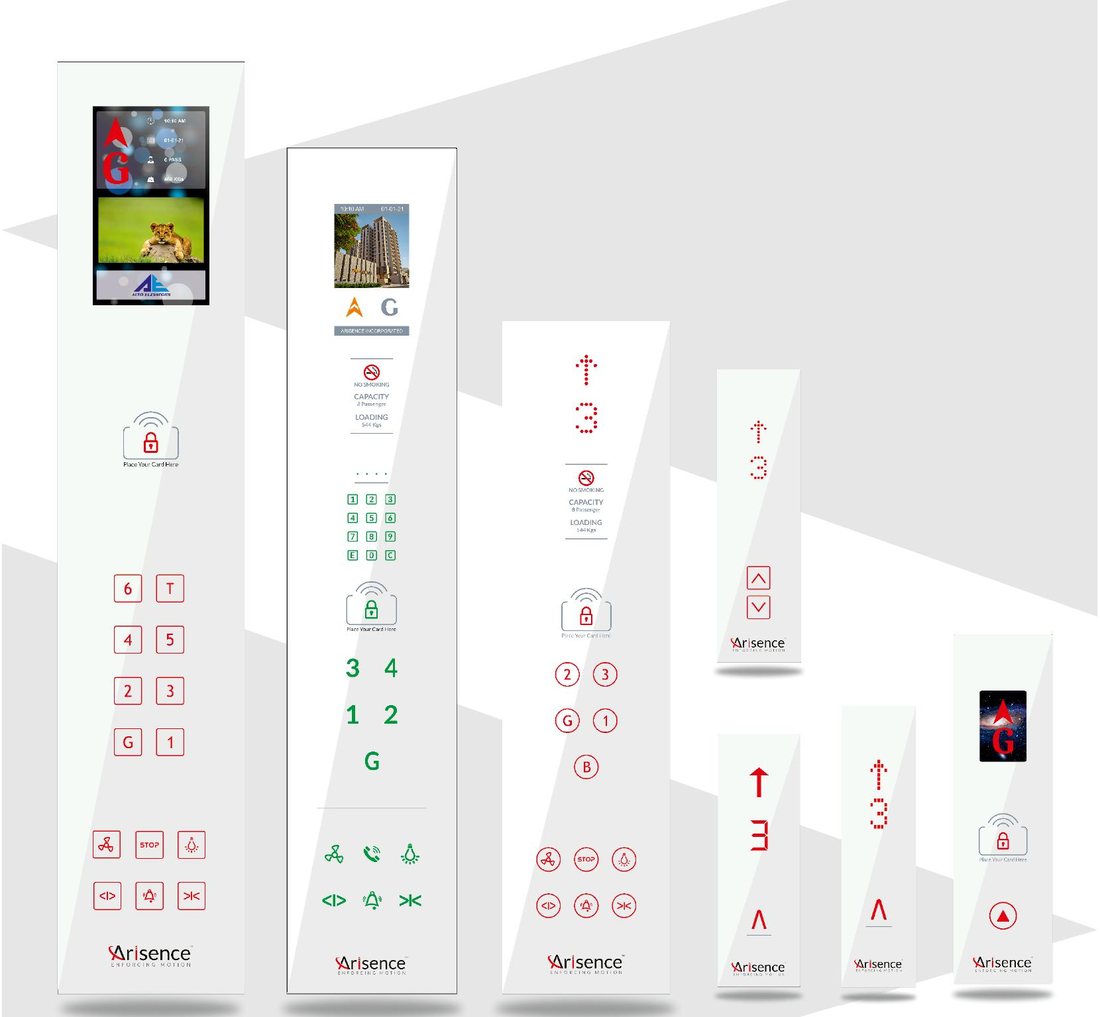
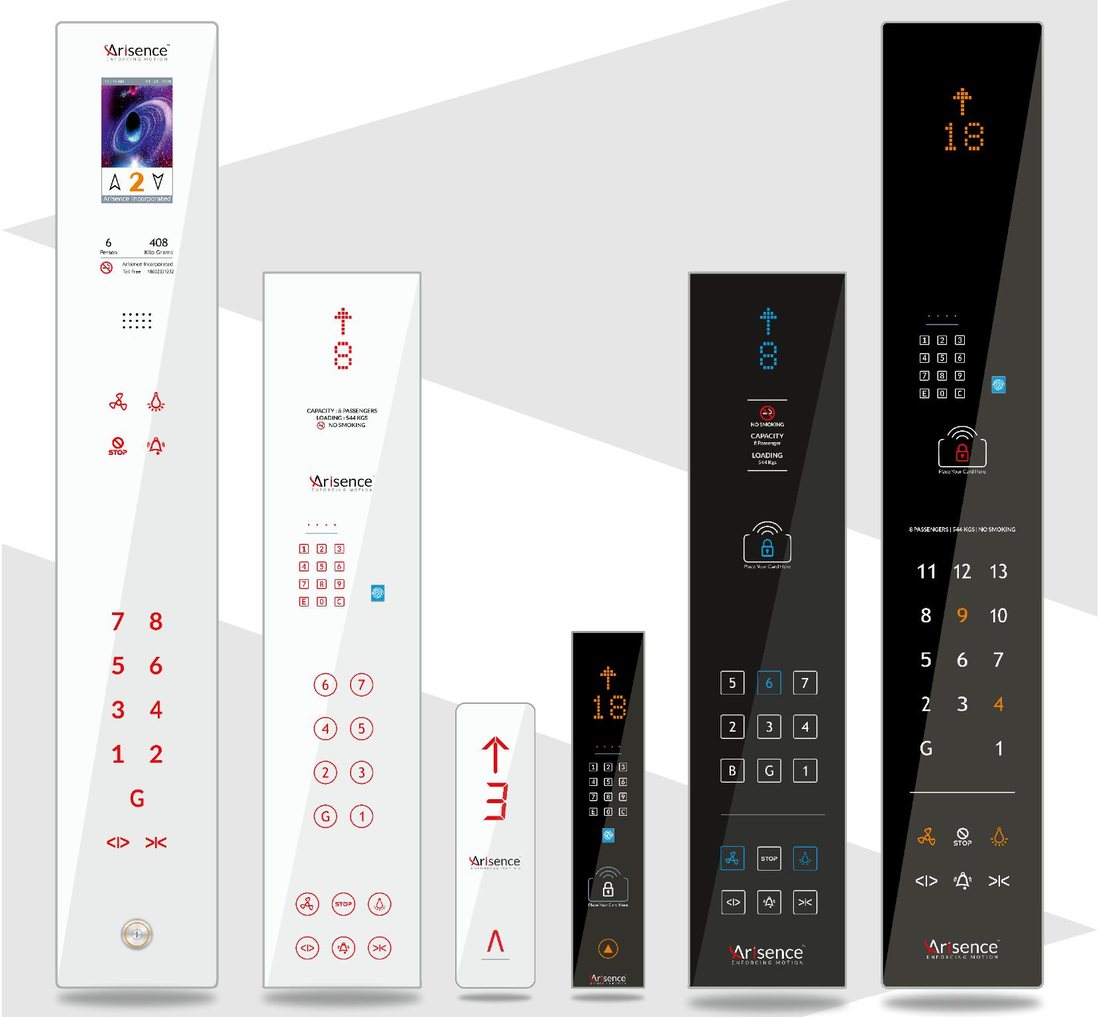
This module has a keypad with the digits 1 to 9, 0, and the E and C keys, and a fingerprint reader in the same neat panel. It is made for places where people are known and a card is easy to lose or share.
What it offers
- Lock or access control based on password and fingerprint
- Password change or fingerprint enrolment can be done at the site, so you do not need to send the unit back
- Can be added to any COP and LOP device
- The password system can also be used separately, on its own
- Fingerprint capacity of 100, 150 or 300 fingers, so you can choose the size that matches your building
- Switch output (NO) function, which lets the module trigger other equipment such as a door or a relay
Where it fits well: small offices, clinics, private lifts in villas, and buildings with a fixed set of residents or staff.
A practical tip: choose the fingerprint capacity with some room to grow. A 100-finger unit suits a small office, while a residential tower or a large company is better served by the 150 or 300 option.
The RFID module
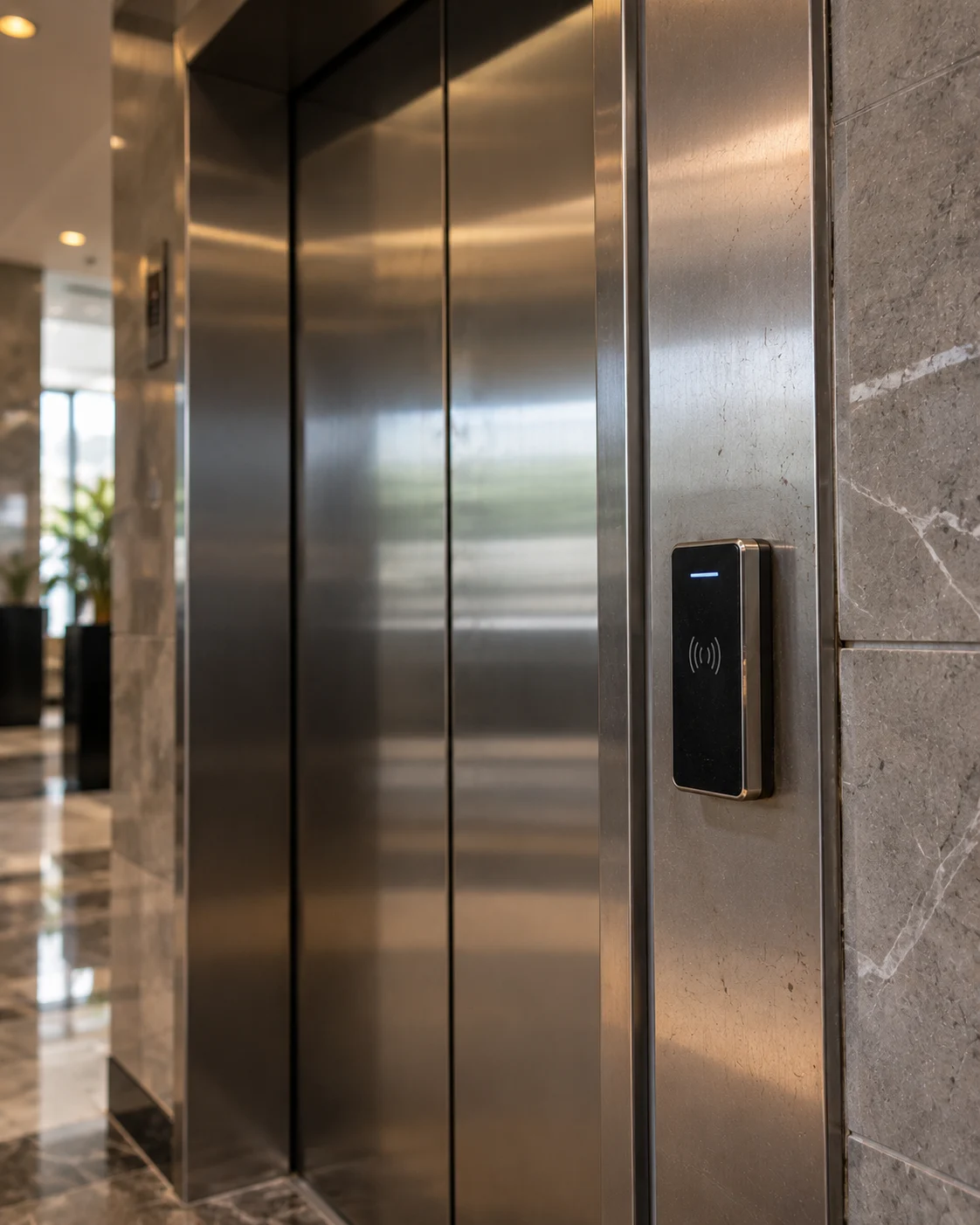
The RFID module is the “tap and go” option. A user holds a card near the panel, the light changes, and the lift is unlocked. There are no codes to remember.
What it offers
- RFID based lock and access control
- Different LED indication for access granted and lock, so users know instantly what happened
- Can be added to any COP and LOP device
- Individual floor access with separate cards, so each card opens only the floors you decide
- Switch output (NO) function for connecting other equipment
Where it fits well: hotels, apartments, co-working spaces and any place where many people come and go and access needs to be changed often. Lost card? Just stop using that card, nobody else has to change anything.
Password + Finger or RFID: which one should you choose?
| Your situation | Better choice |
|---|---|
| Small, fixed group of users | Password + Finger |
| Many users or frequent changes | RFID |
| Visitors or guests who should reach only one floor | RFID with floor-wise cards |
| You do not want users to carry anything | Password + Finger |
| You want a card that can be cancelled when lost | RFID |
If you are not sure, think about who uses the lift and how often that group changes. A stable group suits fingerprints. A changing group suits cards.
Does it work with the panel I already have?
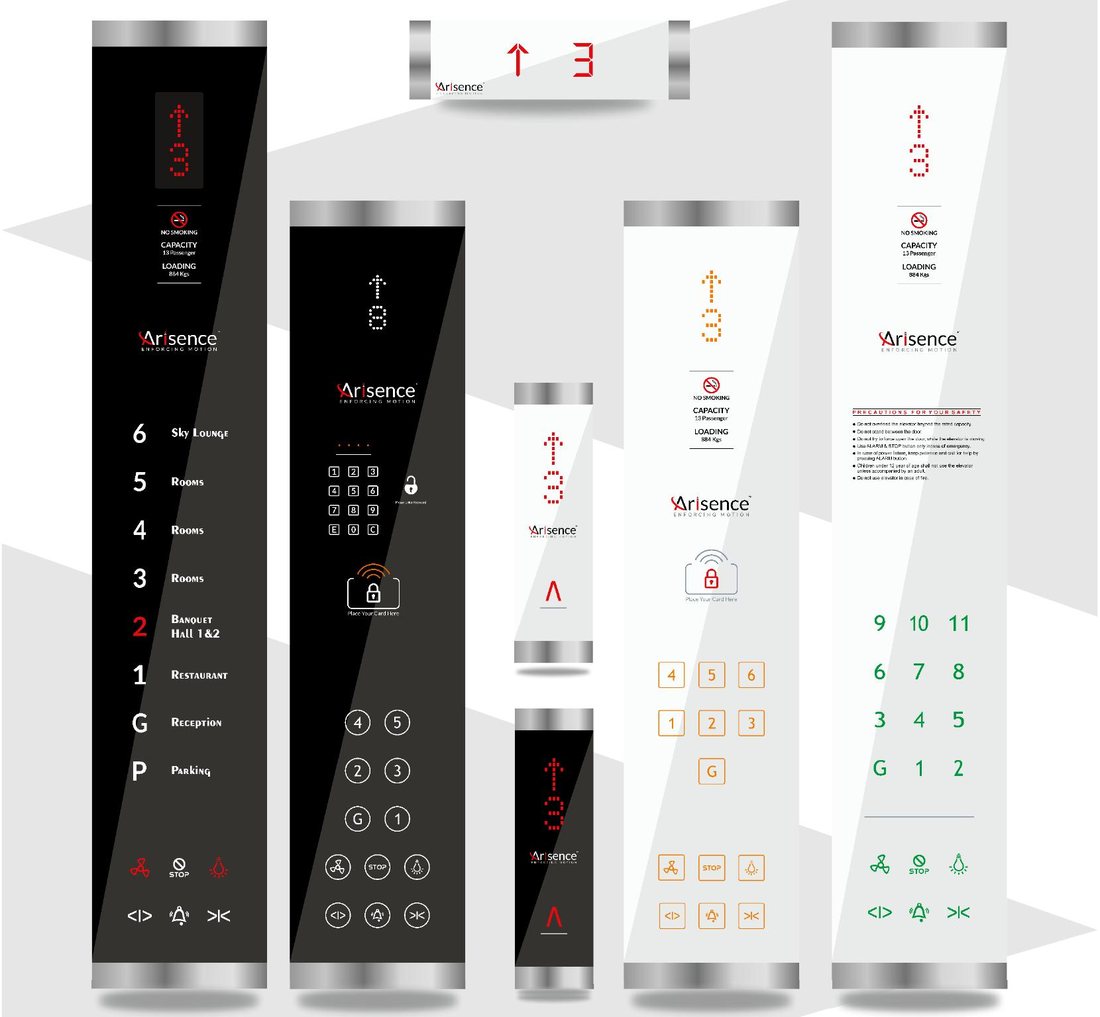
Both modules are designed as add-ons for any COP and LOP device. That means you do not have to replace your whole panel to get access control. They are also available in light and dark finishes with chrome end caps, so they sit well with the rest of the lift interior.
If you are planning a new lift, the module can be designed in from the start. If your lift is already running, our team can tell you what is possible on your existing panel.
Questions people ask us
Can we change the password later? Yes. The password can be changed at the site.
Can we add new fingerprints after installation? Yes. Fingerprints can be enrolled at the site, up to the capacity of the unit you chose.
Can one card open only some floors? Yes. The RFID module supports individual floor access with separate cards.
Can the password unit work alone, without a fingerprint? Yes. A separate password system is available.
Can we connect it to a door or other equipment? Both modules have a switch output (NO) function for this.
Talk to people who build the panels
We design, develop and manufacture our panels in Rajkot, so you speak to the same team that builds them. Tell us your building type, the number of users and the floors you want to restrict, and we will suggest the right module.
Contact Arisence: use the inquiry form on our Contact page, or call the number shown there, and mention “access control module” so we can route you to the right person.